
Step 1.
While using Google Chrome browser, Download the extension from this LINK (Desktop only)
Step 2.
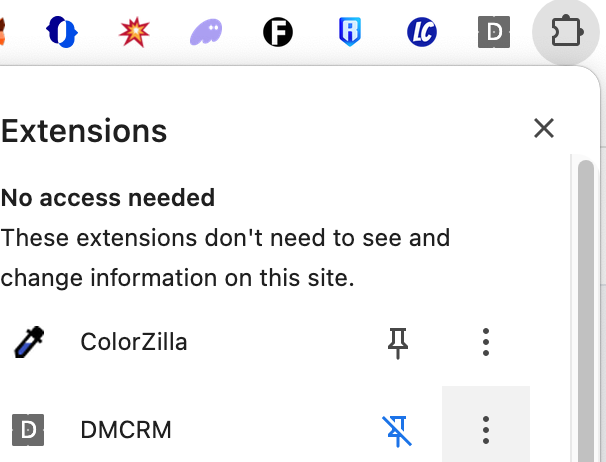
Go to your extensions toolbar, click the puzzle icon, and make sure to “Pin” the DMCRM

Step 3.
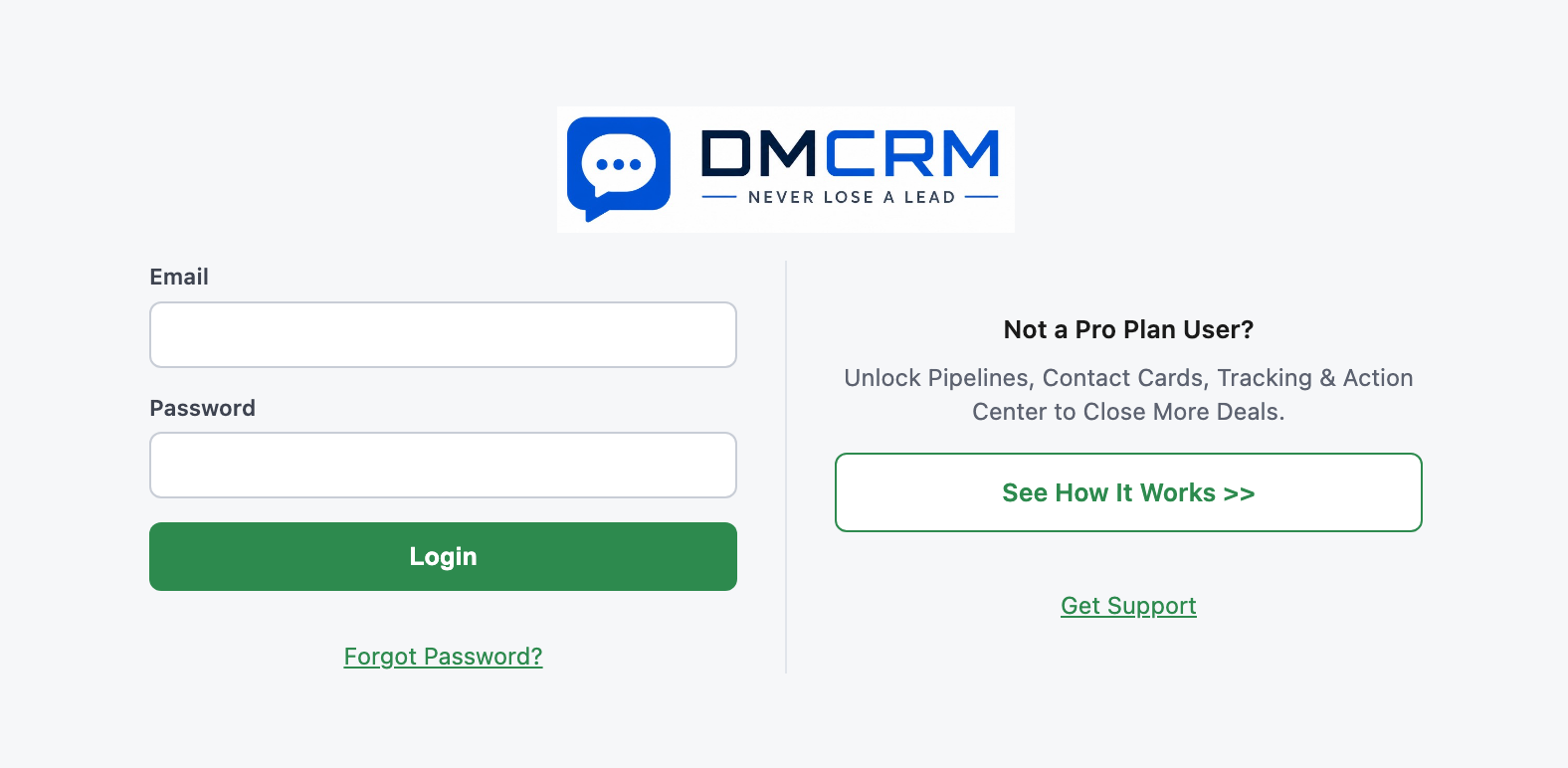
Click the DMCRM icon, and login using your email and password. If you get stuck, you can reset your password. Remember, all DMCRM users free or Pro plan need an account for the extension to work and tag contacts, but only the Pro plan users get to access the Contacts, Pipelines, Action Center,Training, and more features. If you’d like to upgrade, learn more HERE!
Step 4.
Once you are logged in as a Pro plan user, you’ll go through the onboarding assistant to show you how it works. You’ll start by watching the welcome video or downloading the welcome PDF.
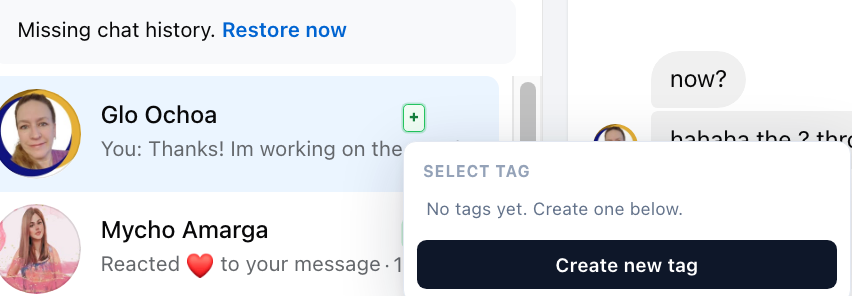
Next, you’ll open Facebook.com/messenger and click the green + button to create a tag, and tag that contact. They will automatically be added to the DMCRM!
Step 5.
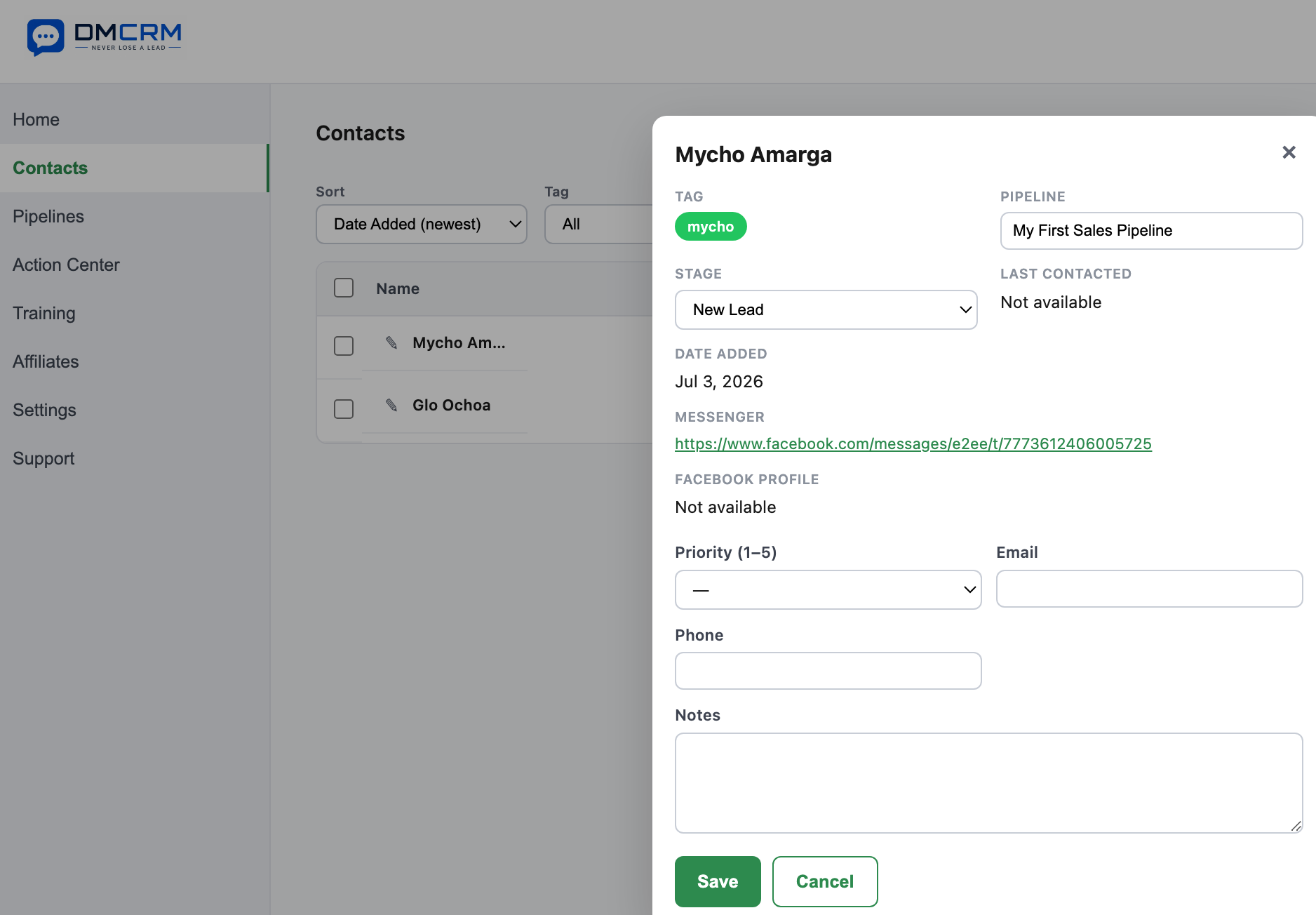
Now you can click on the “Contacts” tab, find your new contact, and open their contact card. Make sure to click “Confirm Pipeline Stage” to go to the next onboarding step.
Step 6.
Open the “Pipelines” tab to see where your contact is. From here you can drag and drop or manually change the contact stage. You can also edit the name of the pipeline, the pipeline stage, add or delete pipelines and stages, and completely customize it for your needs!
My favorite button here is the messenger icon - you can directly open your DMs with that contact from this tab and keep the conversation going.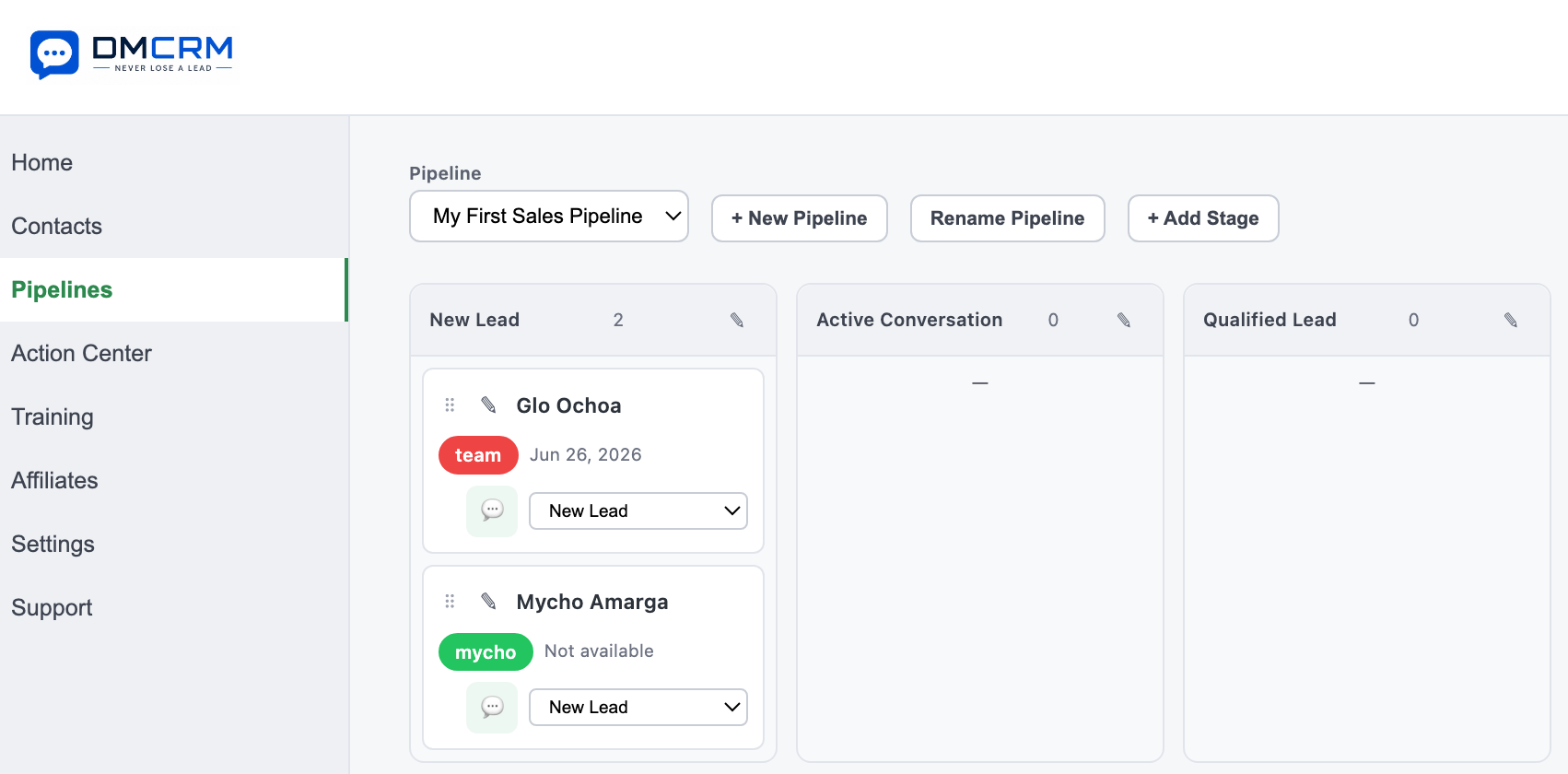
Step 7.
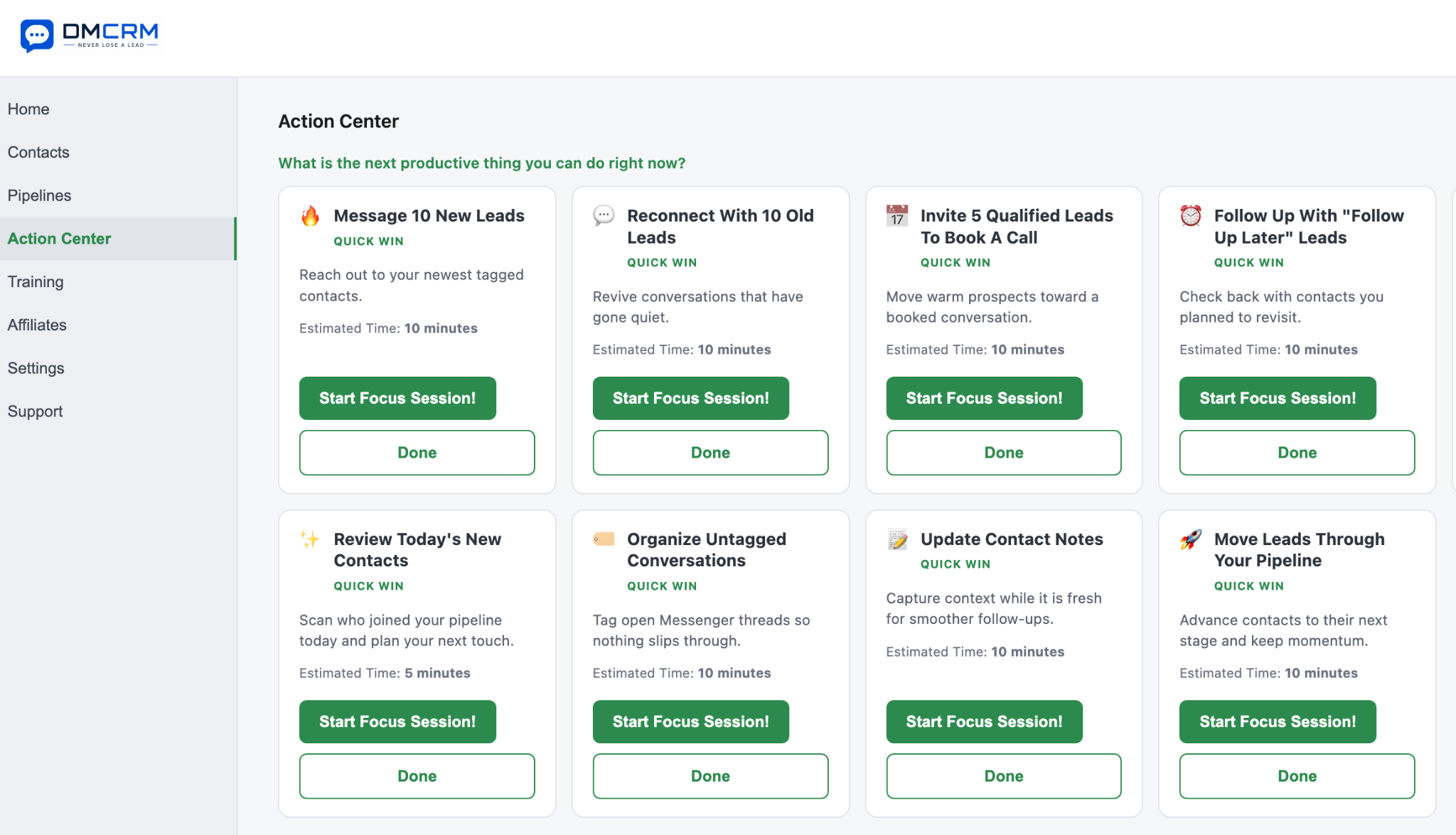
Next up is the “Action Center” tab which features various “Focus Sessions” you can choose from such as “Message 10 New Leads”.
You can keep moving conversations forward, booking calls, making offers, and getting deals done. Challenge yourself with the built in timers and see what you can accomplish in just 5-10 minutes every Focus Session! We also track how many Focus Sessions you complete so you can see your progress.
Your very first Focus Session at the end of the onboarding is to “Tag 10 Untagged Contacts”.
This way you are immediately making use of the DMCRM, have some leads identified, and can work on following up to close some more deals all while staying organized. Sound good?
Step 8.
After this, you are ready to use DMCRM to its fullest potential!
Make a habit of tagging new leads, filling up the DMCRM, and working through your contacts to get more calls booked and deals done.
We have training available, an affiliate program so you can make recurring commissions by inviting your friends and clients, and plenty of support articles like this one to help you resolve any issues.
If you ever get stuck, don’t hesitate to reach out and ask a question by submitting a ticket in, and we will typically answer within 24 hours.
Thanks again for signing up for DMCRM and whether you’re on the free plan or a Pro plan we appreciate you and hope you make the most of it!
DMCRM Team